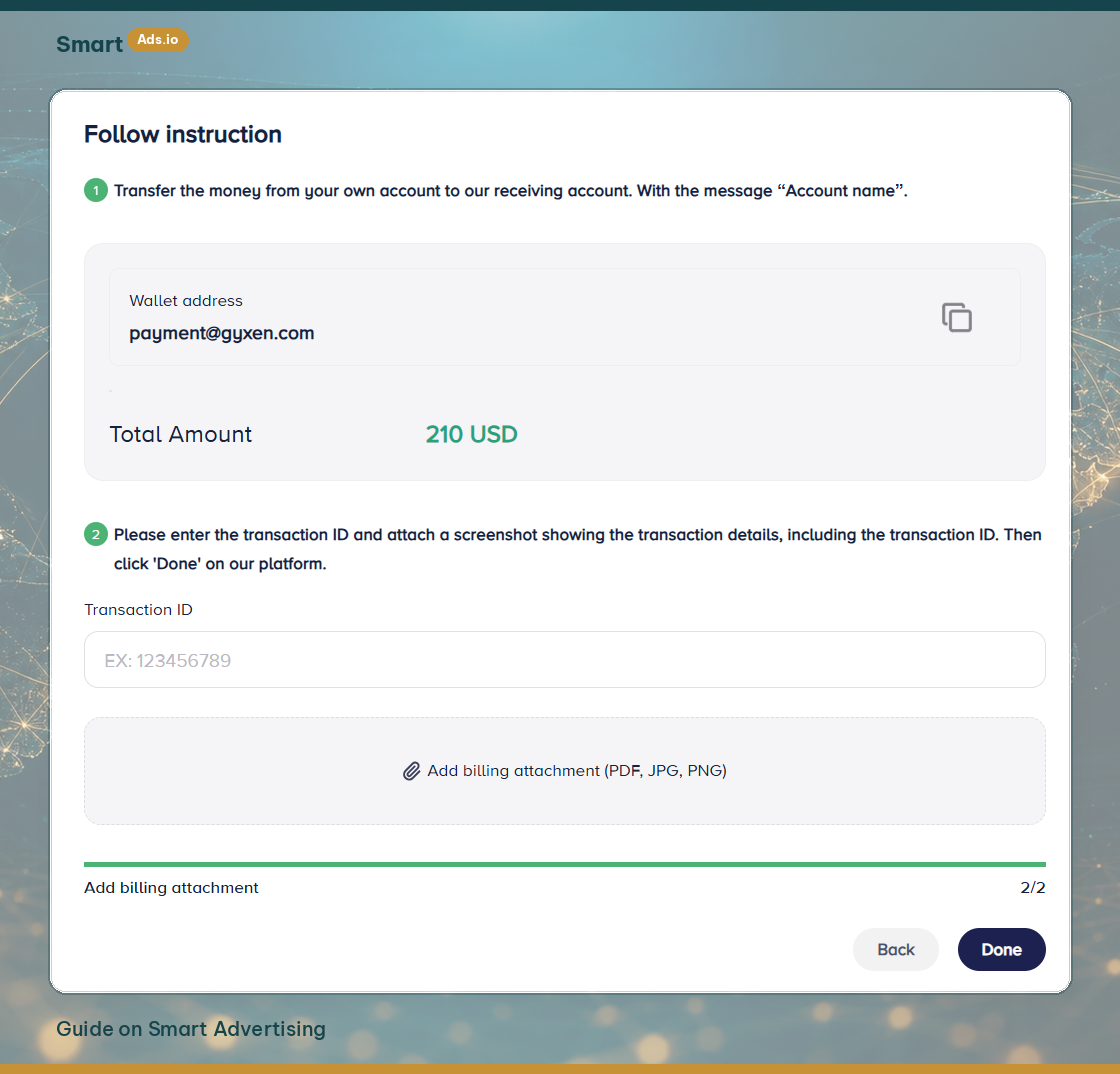
3.3.7 Step 8: Transfer money from Smart Advertising wallet to advertising account
- Go to My Ad Accounts and locate the advertising account you want to fund.
- Click Add Fund and enter the amount you wish to transfer from your Smart Advertising Wallet.
- Confirm the transaction. The balance will be transferred instantly to your advertising account.
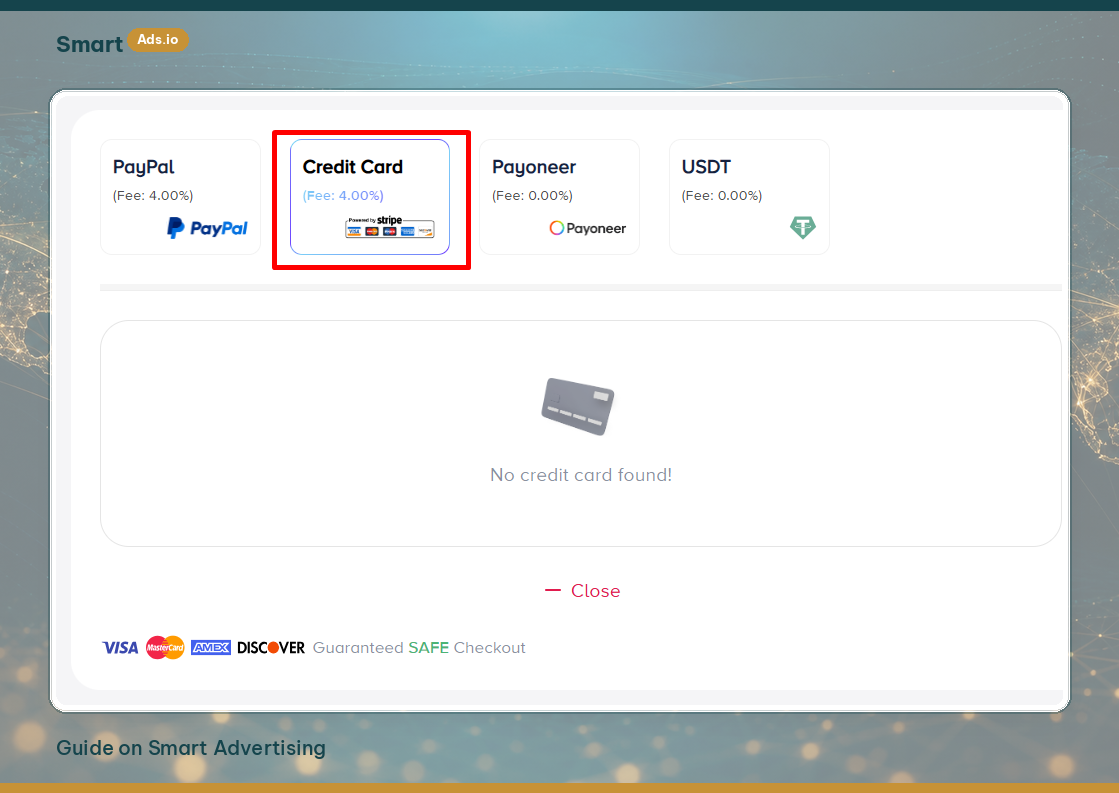
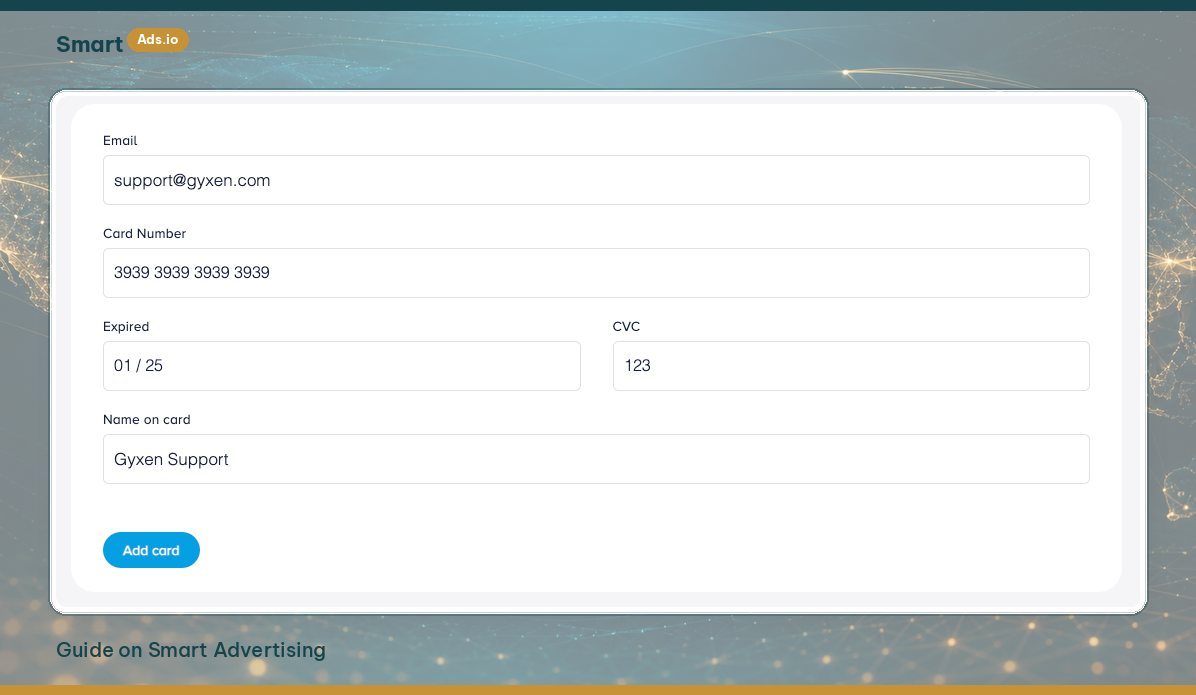
Auto Top-Up Feature: You can enable Auto Top-Up to automatically transfer funds from your Smart Advertising Wallet whenever your ad account balance reaches a low threshold.
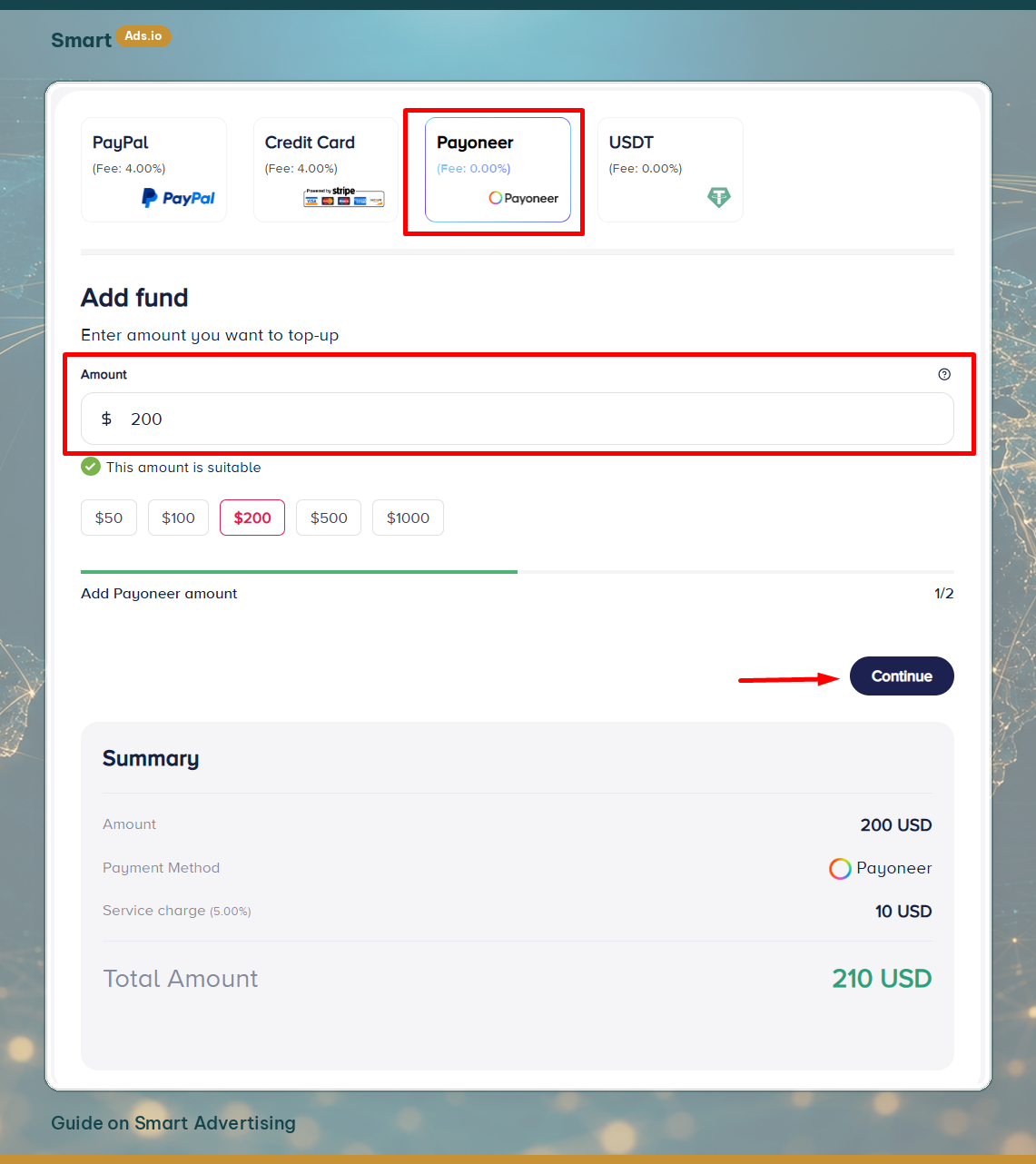
Withdraw Funds: If your advertising account is still active, you can withdraw unused funds from the ad account back to your Smart Advertising Wallet at any time by clicking Withdraw.